
PPC campaign management: how Google Search auctions work
6 min read
Every time someone enters a query into Google, a complex auction happens in milliseconds. Understanding this process is vital for any business owner investing in PPC campaign management. It is not just about the highest bid; it is about relevance, context, and the quality of your ad experience.
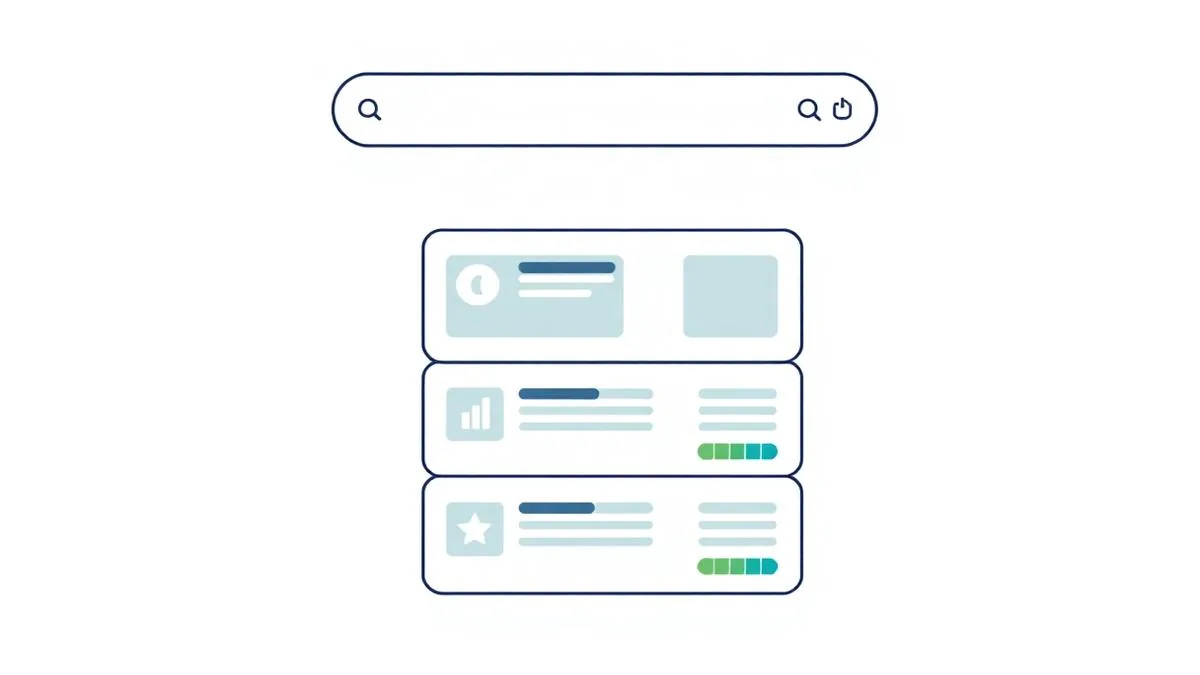
Ad Rank reflects more than the bid
The auction determines which ads appear and in what order. Google evaluates your bid, the quality of your ad, and the expected impact of ad extensions. This means a lower bidder can outrank a higher bidder if their ad is significantly more relevant to the user's search intent.
There is no reliable shortcut that calculates your position by multiplying a bid by the displayed Quality Score. Google evaluates auction-time quality and context alongside bids and other factors. Ask your manager to separate evidence about relevance from evidence about competitive pressure. Auction insights can show which advertisers overlap with you and how often they appear above your ads; it does not reveal their exact bids, profit margins or acquisition costs.
Match types are controls, not literal filters
Match types tell Google how closely a user's query must align with your keyword. Broad match offers the most reach, while phrase and exact match provide more control. Effective management involves balancing reach with precision to ensure you are not paying for irrelevant traffic.
Broad match can trigger ads for queries that seem related but lack commercial intent. For example, if you sell 'high-end ergonomic office chairs,' a broad match keyword for 'office chairs' might trigger for the query 'how to fix a broken office chair wheel.' This is an irrelevant query that wastes budget. Use the search terms report to identify these patterns and add them as negative keywords immediately.
Phrase and exact match can include searches with the same meaning or intent, not only identical wording. Review the actual queries available in reporting rather than trusting a keyword label. Negative keywords need separate attention because they do not automatically cover close variants. Before excluding a term, ask whether it describes an unwanted customer or a useful buyer using unfamiliar language.
Use Quality Score to diagnose relevance
Quality Score is a diagnostic tool, not a direct auction input. It reflects the expected click-through rate, ad relevance, and landing page experience. Use it to identify areas where your ad copy or website content may need improvement to better serve the user.
Ask for a weekly decision log
Check your search terms report to exclude irrelevant queries. Monitor your impression share to see if you are losing out on potential traffic due to budget constraints or low ad rank. Ensure your landing pages remain fast and relevant to the ad copy.
Read results after the conversion lag
A frequent error is ignoring negative keywords, which leads to wasted spend on unrelated searches. Another is failing to align landing pages with ad messaging, which confuses users and hurts conversion rates. Always test your conversion tracking to ensure you are measuring actual business value.
Another common mistake is ignoring the conversion lag. If your sales cycle is 30 days, reviewing performance over the last 7 days will provide an incomplete picture, as many conversions from those clicks have not yet occurred. Always align your reporting window with your actual business sales cycle to avoid making premature changes to bids or budgets.
- Review search terms weekly to block irrelevant traffic.
- Test ad copy variations to improve user engagement.
- Ensure landing pages directly address the search intent.
Summary: Focus on relevance and intent. By refining your keywords and landing pages, you improve your standing in the auction without relying solely on increasing your bids.